You can launch a SaaS in 30 days with ready-made source code if you treat the month as four clear jobs: pick a finished product in week one, install and brand it in week two, set pricing and payments in week three, and test and launch in week four.
That is not a shortcut around the work. It is a shortcut around the slowest part: building the software itself. A small team building a comparable SaaS from scratch will usually spend months of full-time work before the first customer can log in. Buying finished code removes that block. You still have to choose well, set it up properly, and find people willing to pay.
This is the plan we would follow, with the decisions, costs and licence checks in the order they come up.
Can you really launch a SaaS in 30 days?
Yes, if your definition of launch is honest: a working product, on your own domain, under your own brand, able to take a payment and onboard a real customer. That is achievable in a month because the code already exists and has already been tested by the people who built it.
No, if your definition is a custom platform with every feature you can imagine. That is a much longer conversation. Ready-made code works when the product already covers most of what your customers need, and the remaining gap is branding and settings, not new development.
So the week one question is not which product looks best in screenshots. It is which one you can put in front of a paying customer fastest, with the fewest changes.
Here is the whole month on one page. Do not let week two jobs leak into week one.
| Week | Focus | Main jobs | Done when |
|---|---|---|---|
| Week 1 | Choose and check | Pick the niche, test the demo properly, read the licence | You can say who it is for in one sentence |
| Week 2 | Install and brand | Hosting, domain, logo, colours, email and basic settings | The product runs on your domain with your name on it |
| Week 3 | Pricing and payments | Plans, prices, payment method, terms and a support channel | A test customer can pay and get access |
| Week 4 | Test and launch | Full test as a customer, fix what breaks, tell your first audience | Real customers can sign up without your help |
Week 1: How do you pick the right product and licence?
Start with the customer, not the code. Pick one narrow audience you already understand or can reach: private schools in one city, pizza shops in one region, agencies that live on WhatsApp. A product for everyone is hard to sell in 30 days. A product for one clear group is an offer you can explain in a single conversation.
Then test the live demo like a buyer, not a developer. Create an account. Do the main job the product exists for, start to finish. Do it again on your phone. When we hand over an install to a buyer, the first thing we check is whether a non-technical customer can finish that main task without asking us a question. If they cannot, marketing will not save the launch.
Read the licence before you pay, because it decides what you are allowed to sell. On codelist, a Standard licence covers one end product, while an Extended licence covers unlimited end products and lets you run the product as your own SaaS, on a single deployment. If your plan is to charge customers monthly for access, that second point matters most. The full licence terms are short, so read them in week one, not after launch.
Your week one checklist:
- One audience and one problem, written down in a single sentence
- The demo tested properly, on desktop and on a phone
- The licence checked against how you plan to charge customers
- A domain name chosen and confirmed available
- A total budget set, including hosting, before you buy anything
Week 2: How do you install and brand it without breaking it?
Week two is setup week. Get a modest VPS, point your domain at it, and install the product following its guide. Every product on codelist ships with full unencrypted source code and an installation guide, so you, or a developer, can get it running and change how it works later. You do not need an expensive server to launch, just a clean one. Upgrade when customers give you a reason to.
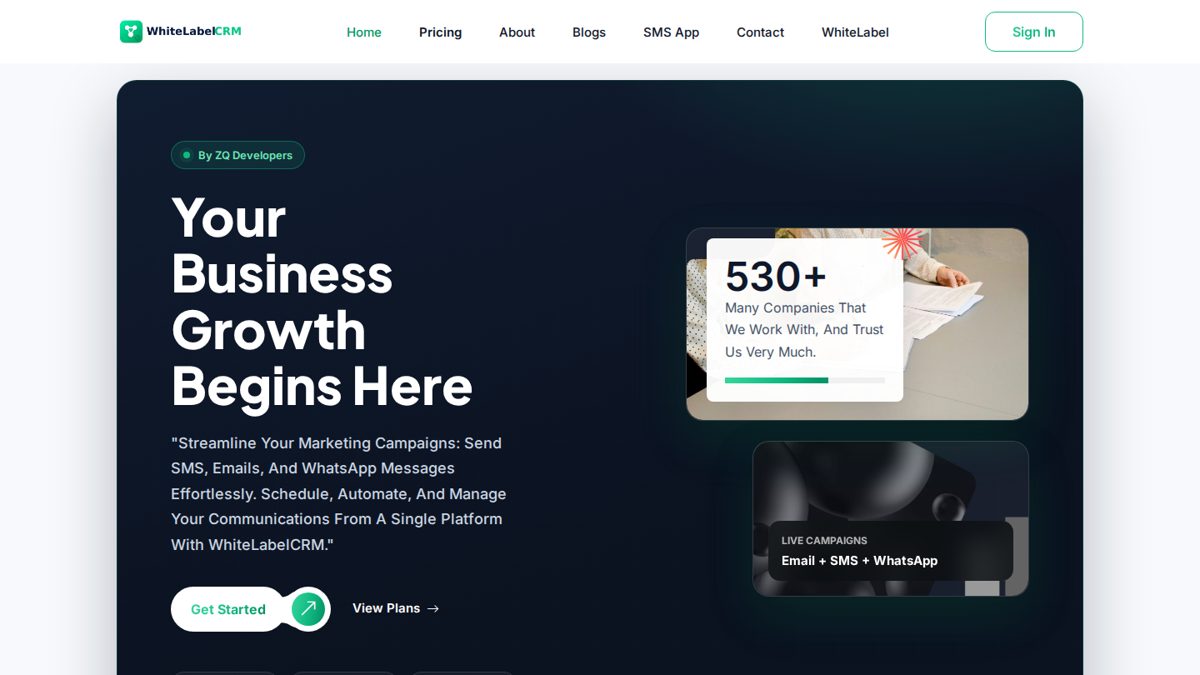
If you would rather not touch a server, check what installation help comes with the product. Our WhiteLabelCRM source code includes free installation within 24 hours, for example. Week two then becomes branding and settings instead of server work, which is a better use of your month.
Branding means what a customer sees: your name, logo, colours, email templates, and the support contact on every page. It does not mean redesigning screens. The fastest way to blow a 30-day deadline is to start redesigning a working product in week two. Change the surface, leave the engine alone, and save custom ideas for month two.
Finish by removing demo data, securing your admin account, and configuring currency, time zone and email sending. A product that cannot send a password-reset email is not ready, however good it looks.
Week 3: What should you charge, and how do customers pay you?
Keep launch pricing boring. Two or three plans at most, with the middle one being the one you want people to buy. Price against the problem, not your costs: if the product saves a business owner hours every week or brings them customers, a sensible monthly fee is an easy decision. Refine prices after ten real buyer conversations. You cannot refine a price nobody has seen.
Payments are your choice inside your own SaaS, and they should match how your customers already pay: cards, bank transfer, or local wallets. Set this up and test it with a real small payment from a second account, not by looking at the settings page. Plenty of launches fail on a payment button that was never actually pressed.
Before the first sale, write three things in plain language on your site: what each plan includes, what happens if a customer wants to stop, and how to reach you for support. Customers forgive rough edges in a young product. They do not forgive silence. Decide your support channel now, even if it is one WhatsApp number and one email address checked twice a day.
Week 4: How do you test it like a customer before launch day?
Week four starts with an uncomfortable exercise: buy your own product. Sign up with a fresh email address, pay for the cheapest plan, and use the product as a stranger would. Write down every moment you hesitate or get confused. That list is your week four job list.
Test the boring parts, because that is where launches quietly fail. Password reset. An expired plan. The email that is supposed to arrive. The signup form on a small phone screen. None of this is glamorous, and all of it decides whether first customers stay or quietly leave.
Then launch smaller than you planned. Give access first to five or ten people from your own network, watch them use it, and fix their top complaints in days 25 to 30. We would rather see ten happy customers than a big announcement pointing at a broken signup form. A quiet, working launch beats a loud, broken one.
Is buying source code cheaper than building from scratch?
For a first SaaS, almost always, and it is not close. Building gives you total control, but you pay for every line of code in time, salaries or freelancer fees, and the deadline moves every time requirements change, which they will. Buying trades a little control for speed, and because the source code is unencrypted, you can still change it later when the business can afford custom work.
| Build from scratch | Buy ready-made source code | |
|---|---|---|
| Time to first customer | Months of full-time development | Days to install and brand |
| Upfront cost | A full build paid in salaries or fees | One-time licence, for example $999 for WhiteLabelCRM |
| Source code | Yours, but you paid to create every line | Full unencrypted source code included |
| Updates | Your team maintains everything, forever | Lifetime free updates included |
| Biggest risk | Requirements change mid-build and launch slips | The product does not fit, which a demo test reveals first |
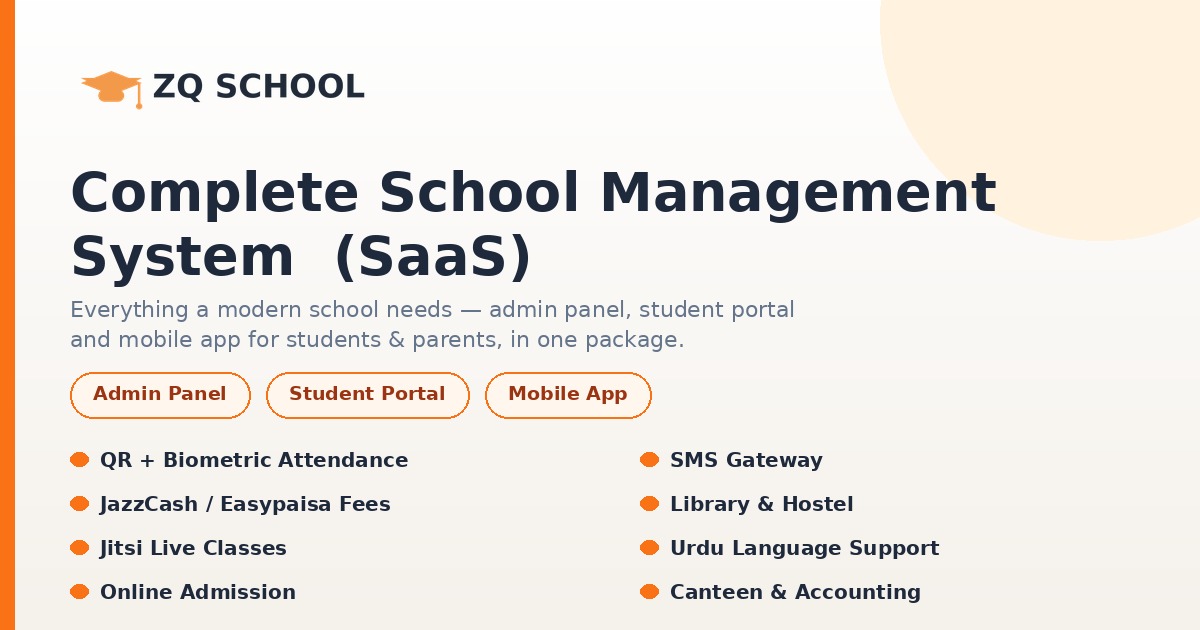
The same maths applies in a niche. A school owner does not need to become a software company; they need admissions, fees and attendance working this term. That is why a product like Zq School, at $264.50 for a standard licence or $474.50 extended, can beat a custom build before you count the months saved.
Ready to start your 30 days?
The clock starts when you choose a product, not when you feel ready. Pick the product closest to your idea, test its demo tonight, check the licence against your plan, and let week one begin. Compare all nine products across six categories in the full catalogue before you spend anything.
If your idea is a marketing platform under your own brand, WhiteLabelCRM is the clearest example of this plan: a WhatsApp, SMS, email and social media marketing platform, $999 one-time instead of the regular $1,500, on a one production domain licence, with free installation within 24 hours and lifetime updates. And if you get stuck, you are not on your own: our support is a real human on WhatsApp at +92 333 4916432, or by email at contact@zqdevelopers.com.